Field notes/Product Page & CRO
Shopify CRO starts after the click.
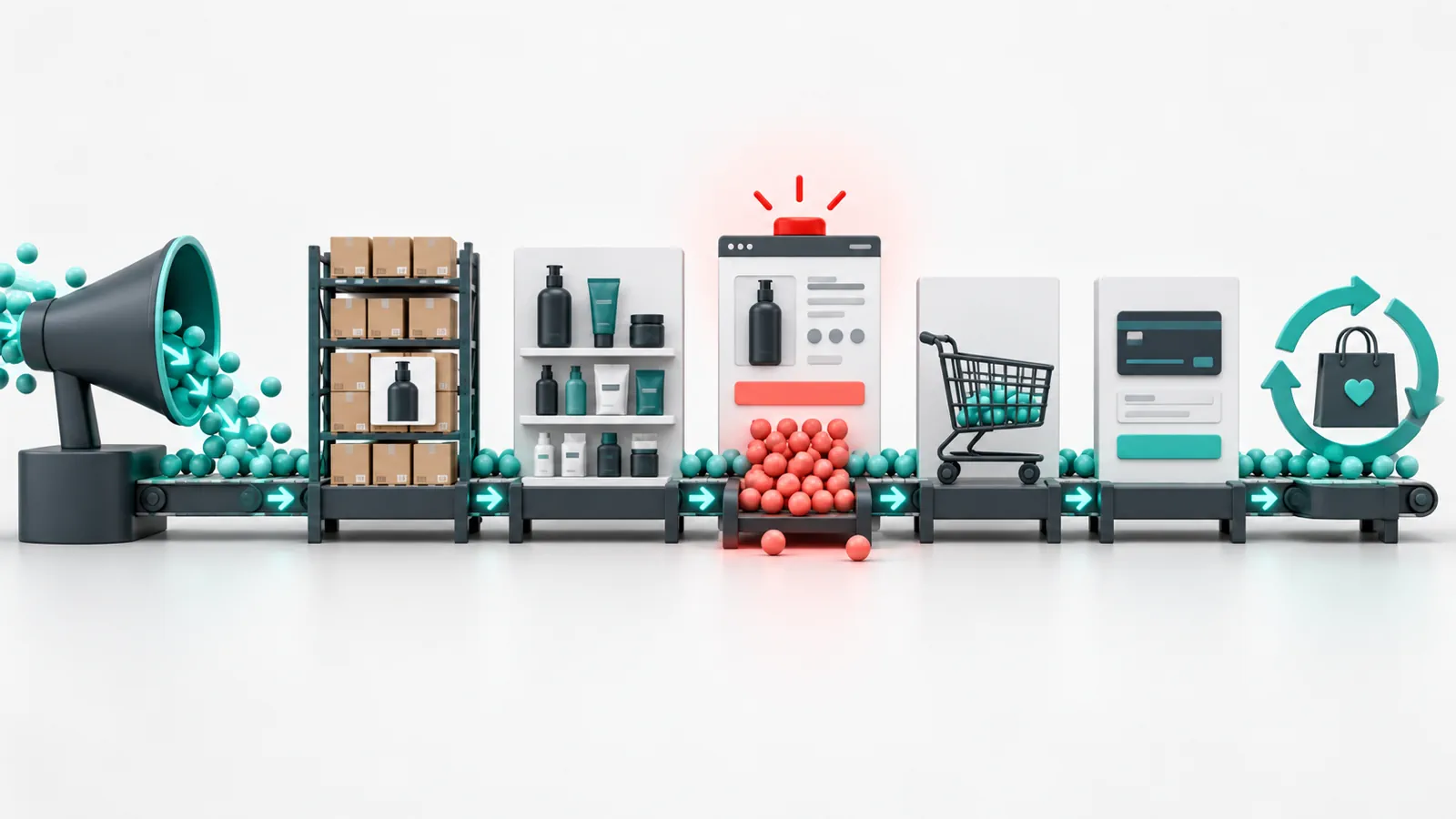
The useful CRO work starts where paid and organic traffic lands: page clarity, product belief, trust timing, cart confidence, and mobile flow.

Shopify CAC Payback Checklist Before Scaling Paid Acquisition
Shopify Growth Plateau: What to Diagnose When Ads Work but the Store Cannot Scale

Shopify Discount Strategy: Discount, Bundle, Free Gift, or Free Shipping?
Product Page & CRO guides
31 articlesFAQProduct Page & CRO
Useful questions before you rebuild.
What is Shopify CRO?
Shopify CRO is the work of improving how visitors move from landing page or product page to purchase by reducing confusion, hesitation, and friction.
Should I test every CRO change?
Not every fix needs a formal test. Obvious hierarchy, trust, and mobile issues can be improved before larger experimentation programs.
Where should Shopify CRO start?
Start with the pages that receive the most buying intent: product pages, campaign landing pages, cart, and mobile navigation.
Launch · Redesign · Migration
Want practical direction for your own store?
Answer a few questions. If it looks like a fit, you get a free personal review with what we would do first.
2-minute quiz · your first look by email in a few minutes · no call needed